
Adobe After Effects has been the industry-standard motion graphics and compositing application for decades. Adobe continues to add new capabilities, including improved 3D tools, AI-assisted features, better caching and GPU acceleration.
Yet some surprisingly fundamental limitations remain.
Spend enough time in the After Effects community and the same requests appear again and again. Many of them aren’t requests for flashy new effects. They’re requests to fix fundamental parts of the workflow that become increasingly painful as projects grow.
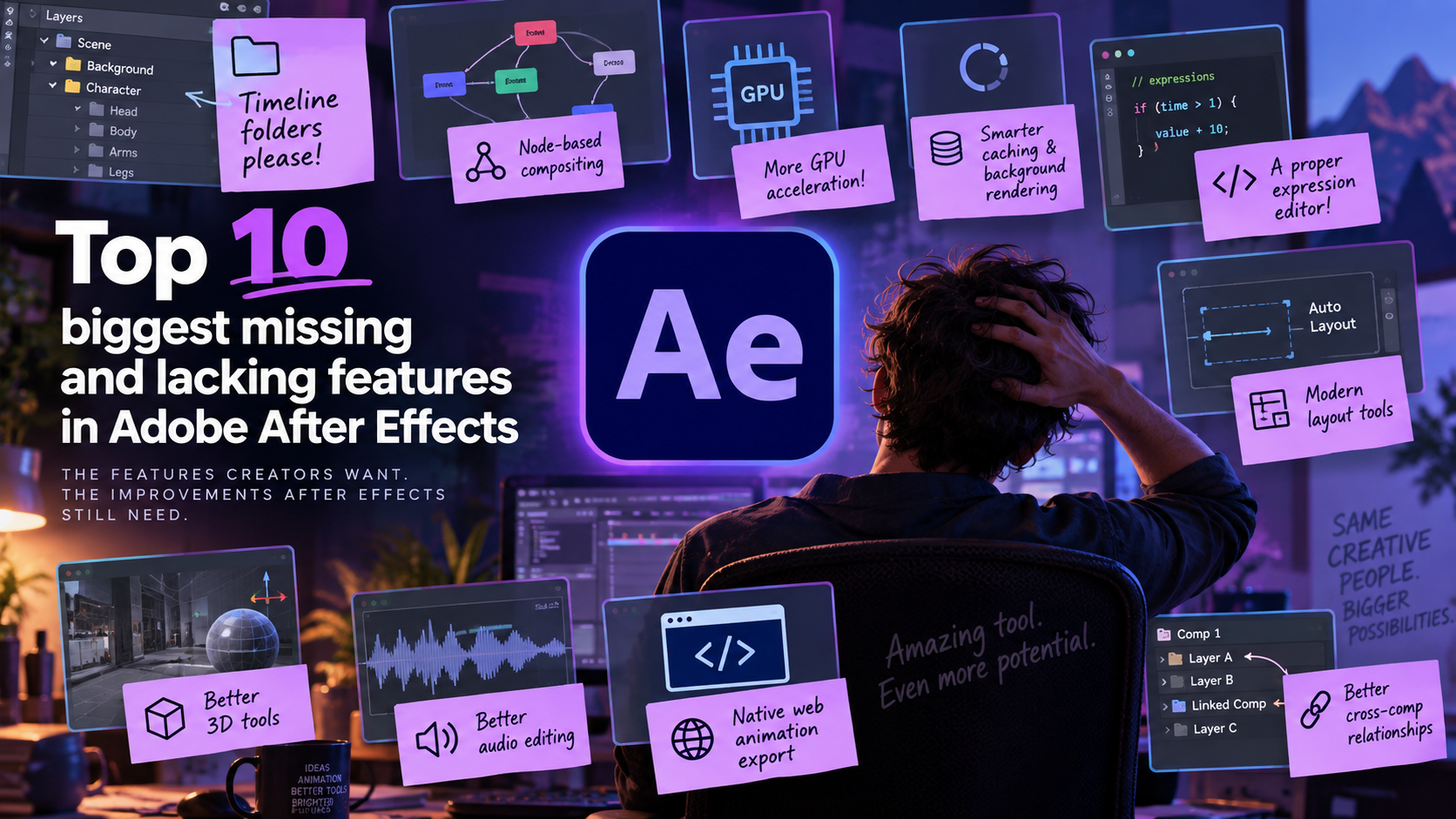
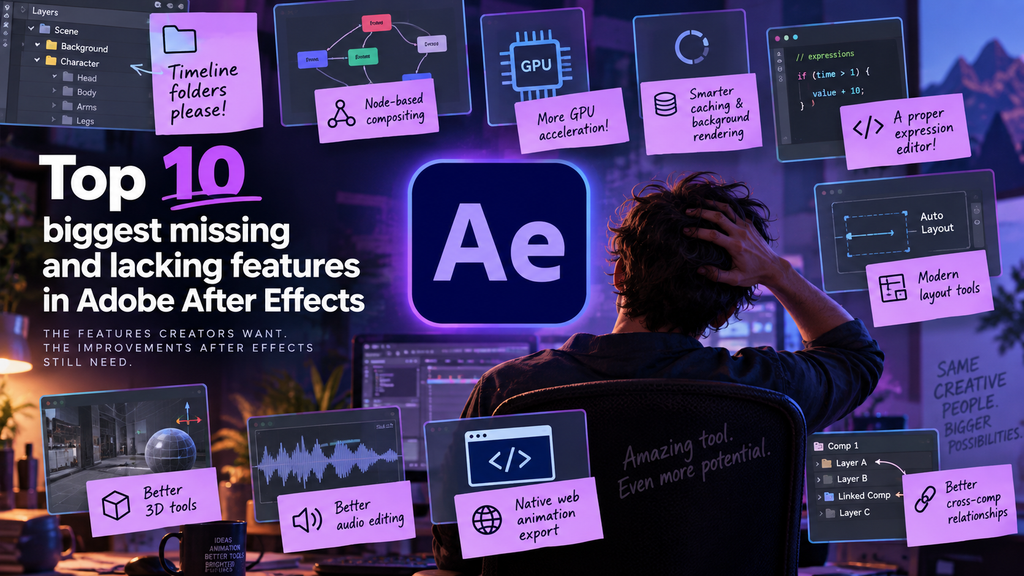
Here are ten of the biggest features that After Effects is still missing—or where its existing implementation remains significantly behind what users are asking for.
1. Timeline folders and real layer groups
This may be one of the most obvious omissions in After Effects.
A complex composition can easily contain hundreds of layers. Yet After Effects still doesn’t provide proper Photoshop-style folders that let you group layers and collapse them in the timeline.
The traditional workaround is precomposing, but a precomp isn’t the same thing as a folder. Precomposing changes the structure of the composition and can affect effects, blending modes, adjustment layers, 3D relationships and expressions.
Users simply want to be able to do something like:
Background
↳ Sky
↳ Mountains
↳ Trees
Character
↳ Head
↳ Body
↳ Arms
↳ Legs
…and collapse those groups without changing how the composition renders.
This has been one of the most persistent requests in Adobe’s own After Effects community, and Adobe staff have acknowledged the demand.
For large projects, timeline folders could arguably improve everyday usability more than many headline features.
2. A node-based compositing workflow
After Effects is fundamentally layer-based.
That’s intuitive for motion graphics, but complicated compositing operations can quickly turn into enormous stacks of layers, adjustment layers, track mattes and precompositions.
Applications such as Nuke and DaVinci Resolve Fusion demonstrate why node-based compositing is so useful. Instead of hiding relationships inside layers and precomps, you can actually see how images flow through a processing graph.
After Effects doesn’t necessarily need to abandon layers.
A far more interesting solution would be a hybrid workflow:
Layers for animation and motion graphics.
Nodes for compositing and image processing.
Users could switch between a familiar timeline and a node graph representing the same composition.
That could dramatically reduce the precomp-within-precomp-within-precomp problem that experienced After Effects users know all too well.
3. Better GPU acceleration
After Effects supports GPU acceleration, but having GPU acceleration isn’t the same thing as making comprehensive use of modern GPUs.
A modern workstation may contain an extremely powerful graphics card, yet certain After Effects operations can still create surprisingly severe bottlenecks.
Users continue requesting GPU acceleration for effects and processes that remain CPU-heavy or otherwise don’t fully utilize available hardware.
This becomes especially frustrating when working with high-resolution footage, complex effects, 3D elements or large compositions.
Adobe has improved performance considerably over the years, including Multi-Frame Rendering and broader GPU support. But there’s still a strong argument that After Effects should be able to extract much more performance from today’s GPUs.
4. Smarter background rendering and persistent caching
Adobe has made progress here.
After Effects can cache frames while idle, and modern versions are substantially better at caching than older releases.
But users are asking for something more ambitious: a genuinely intelligent background rendering system.
Imagine being able to tell After Effects:
“This composition is finished. Cache it.”
After Effects could render that section in the background and keep it cached until something affecting it changes.
Likewise, while you’re working on one composition, After Effects could intelligently calculate other uncached sections during idle CPU/GPU time.
Users also want more reliable persistent caches so that closing a project or restarting After Effects doesn’t unnecessarily throw away expensive calculations.
The ultimate goal is simple:
If nothing changed, don’t render it again.
For an application where some frames can take seconds—or even minutes—to calculate, that’s extremely important.
5. A real expression editor and debugger
Expressions are one of After Effects’ most powerful features.
They’re also edited in tiny timeline text fields.
That’s an increasingly strange situation considering expressions are effectively JavaScript programs.
A modern expression environment should provide features programmers now take for granted:
- syntax highlighting
- autocomplete
- IntelliSense-style suggestions
- proper error messages
- variable inspection
- console output
- debugging
- breakpoints
- searchable documentation
- detachable editing windows
Expressions allow After Effects users to build surprisingly sophisticated procedural animation systems. Yet the editing experience remains much more primitive than even a basic modern code editor.
A proper expression IDE could make expressions considerably more accessible to ordinary motion designers while simultaneously making life easier for advanced users.
6. Modern responsive and auto-layout tools
UI design applications have changed how designers think about layout.
Tools such as Figma popularized concepts like Auto Layout, where containers automatically respond to their contents.
For example, imagine creating a button containing text and specifying:
Horizontal padding: 30 px
Vertical padding: 15 px
Change the text from:
OK
to:
Download project
…and the button automatically grows.
You can build systems like this in After Effects today using expressions, but something so fundamental shouldn’t require an expression rig.
After Effects would benefit enormously from native:
- padding
- gaps
- rows and columns
- responsive containers
- automatic sizing
- alignment rules
- min/max dimensions
- layout constraints
This would be particularly useful for motion graphics templates, lower thirds, titles, UI animation and data-driven graphics.
7. A more complete 3D environment
Adobe has made major progress with 3D inside After Effects.
Modern versions can import 3D models, use the Advanced 3D renderer and integrate 3D objects much more naturally than older releases.
But After Effects still isn’t a complete 3D environment.
Users continue asking for improvements including better material and texture workflows, stronger UV support, improved 3D compositing, additional render passes, better depth workflows and broader support for animated 3D formats and geometry caches.
After Effects doesn’t need to become Blender.
But if Adobe wants artists to mix 2D, video and 3D elements directly inside After Effects, the remaining gaps become increasingly noticeable.
The ideal goal would be:
Enough 3D functionality that you don’t have to open a full 3D application for relatively simple 3D compositing tasks.
8. Better audio editing
After Effects is primarily a visual application, but animation frequently depends heavily on audio.
Music visualization, kinetic typography, character animation, lyric videos and motion graphics often require precise synchronization with sound.
Yet audio editing in After Effects remains remarkably basic compared with its visual capabilities.
Even relatively simple audio workflows can feel awkward.
After Effects doesn’t need to become Adobe Audition, but it could offer substantially better:
- waveform handling
- audio scrubbing
- audio markers
- basic trimming and fades
- synchronization tools
- beat detection
- audio-driven animation
- waveform visibility controls
An application built around time should arguably have better tools for working with one of the most important things that happens over time: sound.
9. Modern vector and web animation export
After Effects is widely used to create animations destined for websites, applications and user interfaces.
Yet getting those animations out of After Effects often means relying on external systems such as Bodymovin and Lottie.
These tools are extremely useful, but they also support only a subset of what After Effects can do.
There is a strong case for Adobe developing a first-class web/vector animation pipeline directly inside After Effects.
Ideally, users could export compatible compositions to formats based on technologies such as:
SVG, Canvas, CSS and JavaScript
with After Effects clearly identifying unsupported effects before export.
Instead of discovering after rendering that something isn’t compatible, the application could provide a dedicated web-animation mode with known constraints.
After Effects is already one of the world’s most popular tools for designing these animations. Exporting them shouldn’t feel like an external workflow.
10. Better relationships between compositions and layers
Many After Effects frustrations ultimately come back to one thing:
precompositions.
Precomps are incredibly useful, but they’re also used to solve problems that arguably shouldn’t require another composition.
Users want more flexible relationships between layers, effects and compositions.
Examples include:
- referencing layers across compositions
- sharing effects without complicated expression setups
- targeting adjustment effects at specific layers
- assigning mattes more dynamically
- exposing properties across compositions
- navigating linked properties easily
- sharing animation controllers between compositions
After Effects projects often evolve into deeply nested trees:
Main Comp
→ Precomp
→ Precomp
→ Precomp
→ Precomp
Eventually you find yourself double-clicking through five compositions just to change the color of a rectangle.
Better cross-composition relationships could substantially reduce this problem.
The bigger problem: After Effects’ architecture
What’s interesting about these requests is that many aren’t independent problems.
They’re symptoms of the same underlying architecture.
After Effects fundamentally thinks in terms of:
Composition → Layers → Effects → Properties → Keyframes
That model is one of the reasons After Effects became so successful. It’s relatively easy to understand and extremely flexible.
But the same architecture becomes cumbersome as projects grow.
Users compensate by creating:
Precomps.
Null objects.
Adjustment layers.
Expressions.
Essential Properties.
Scripts.
Plugins.
None of these are bad features. In fact, they’re some of After Effects’ greatest strengths.
The problem is that they’re increasingly being used to compensate for limitations in the underlying workflow.
A 20-layer composition is usually pleasant to work with.
A 300-layer composition can become an organizational nightmare.
Adobe has improved After Effects—but fundamentals matter
It’s also important to acknowledge that After Effects hasn’t stood still.
Adobe has introduced substantial improvements over the years, including Multi-Frame Rendering, improved caching, better GPU acceleration, a modernized 3D environment, better OpenColorIO support and numerous workflow improvements.
But there’s an interesting disconnect between many headline features and what experienced users repeatedly request.
Users aren’t always asking for another spectacular new effect.
Sometimes they’re asking for something much less exciting:
Let me put my layers in a folder.
And ironically, those boring features can have a much greater impact on everyday productivity than something impressive enough to demonstrate at a product launch.
If Adobe tackled timeline folders, node-based compositing, smarter caching, broader GPU acceleration and more flexible relationships between compositions, After Effects could feel substantially more modern without fundamentally changing what makes After Effects After Effects.
Perhaps that’s the real opportunity.
After Effects doesn’t need to become Nuke, Fusion, Blender, Figma or a video editor.
It can borrow the workflow ideas those applications have demonstrated work well—and integrate them into the layer-based animation environment that After Effects users already know.