
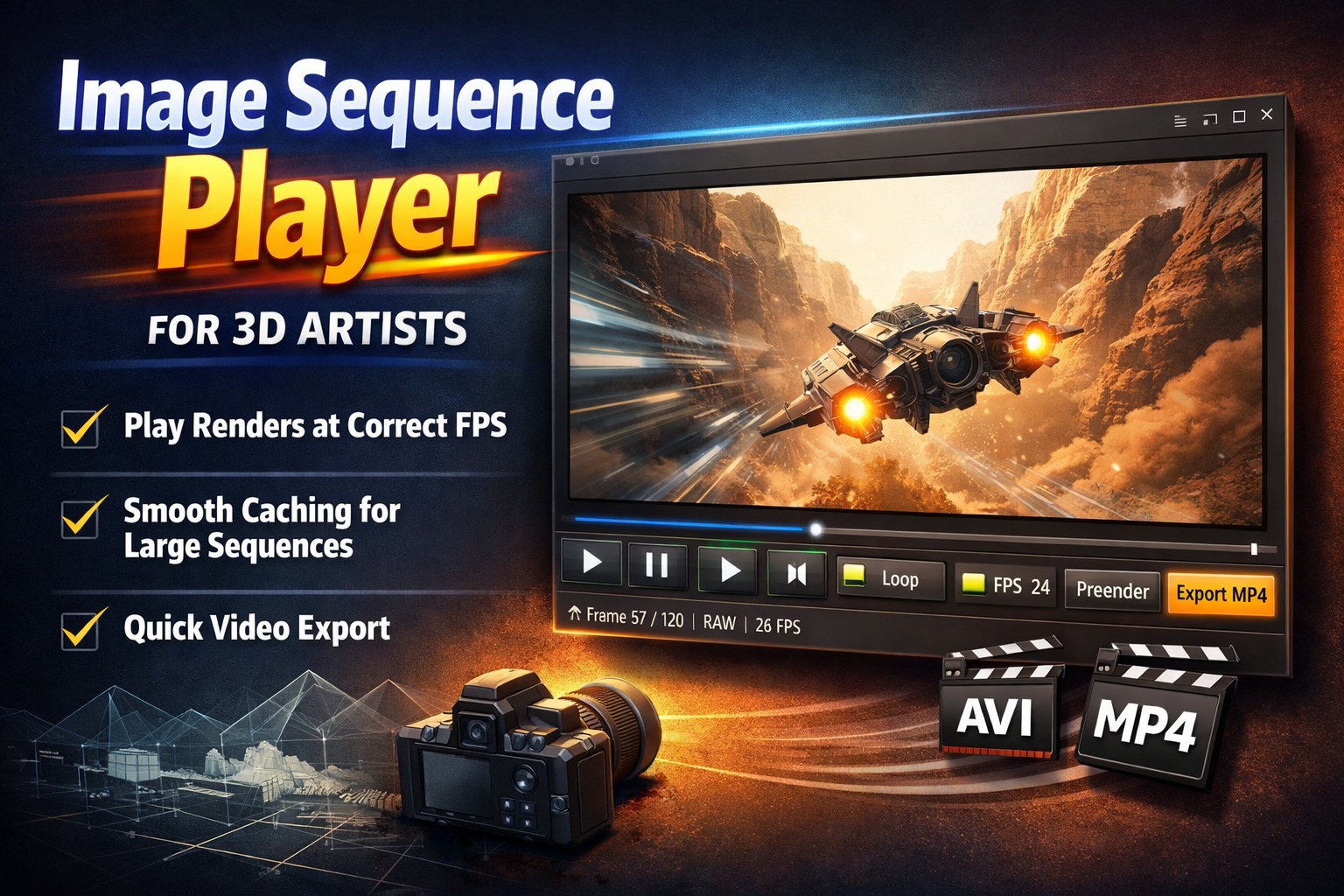
A Simple Image Sequence Player Made for 3D Artists

If you render image sequences, you know the pain:
scrubbing folders full of frames, guessing playback speed, or opening heavy software just to check timing.

This Image Sequence Player is built to fix exactly that.


Play Your Renders at the Correct Framerate

Drop in a folder of images and hit play.
The player runs your sequence at a true, time-based framerate, so 24 fps actually feels like 24 fps—no drifting, no guesswork.

Perfect for:

  • Animation previews
  • Simulation checks
  • Camera move timing
  • Look-dev iterations

Smooth Playback, Even for Heavy Sequences

For larger renders, you can prerender the sequence into a cached video with one click.
Playback instantly becomes smooth and responsive—great for long or high-resolution sequences.

You can still scrub frame-by-frame when you need precision.


Loop, Scrub, Step — Instantly

  • Loop animations for motion checks
  • Scrub the timeline naturally
  • Step frame-by-frame forward or backward

No setup, no importing, no project files.


Export a Quick Video File

Need to send a preview to a client or teammate?

Export your sequence directly to:

  • AVI (fast, no recompression)
  • MP4 (easy sharing, universal playback)

What you see is exactly what you export.


Why Artists Like It

  • No timeline setup
  • No codecs to fight
  • No heavy software just to “check a render”
  • Fast, clean, and predictable

It’s the kind of tool you keep open next to Blender, Houdini, or Unreal—just for viewing.


Built for One Job, Done Well

This isn’t an editor.
It’s a viewer that respects time, framerate, and your workflow.

If you work with image sequences, this tool saves time every single day.

Download here:

https://github.com/AnttiPerala/simpleImageSequencePlayer/releases/tag/1.0


DaVinci Resolve is killing Premiere Pro

I usually don’t post opinion pieces about software, but this time I just can’t help myself.

I have been an Adobe Premiere user since 2004. I own CS3 Master Collection, CS4 Creative suite and CS6 Master Collection. I have been using CC at work.

I was not happy when Adobe forced everyone into a subscription model. It was good for new users though as they had a lower bar to entry. But for us long time users it was not a good move. Many of us expressed skepticism if Adobe would still be motivated to innovate new features for programs like Premiere and After Effects now that they would get our paychecks regardless. I think that skepticism has been proven right over the years.

I think we users can sympathize with software development being complex, difficult and time consuming. So we forgive a lot even when we only see cosmetic features after years and years of waiting. But then DaVinci Resolve steps up and shows everyone how rapidly a piece of software can actually be developed.

It was not that long ago that Resolve 16 was released with an amazing list of new features. And many of them big features, like the Cut page, adjustment clips, the neural engine for AI goodness, object removal etc. So I was not expecting to see as big of a release as Resolve 17 so soon. But here it is, filled with even more AI-based tools like the magic mask, massive Fairlight updates like improved architecture, automatic beat and word detection, new proxy workflows and render in place, new in-timeline chroma keyer, scene cut detection and 90+ smaller features.

I’m not sure if I have ever seen so quick software development, maybe excluding Blender. With speed like this one might expect tons of bugs and crashing, but so far Resolve 17 has been rock solid on my computer.

DaVinci Resolve just starts to seem like an absolute no-brainer at this point. It has editing, VFX-compositing (via Fusion), color grading and audio editing (Fairlight) all in one package. And it’s completely free to use for most purposes. But if you want all the goodness that is available including the neural engine, even then the cost of a perpetual license is only around $300. At the moment you can even get the Speed Editor keyboard thrown in the bundle for free. Now get this: not only is the license perpetual (yours forever), but you will even get free upgrades.

Boy is it nice to see competition like this against Adobe CC! I think we will see people jumping the Adobe ship in masses.

Dealing with a multiresolution .mov file

For the first time in my career I encountered a video file that had two different resolutions. The beginning of the video was SD resolution and after 15 frames it jumped to a resolution of 1080p. VLC player was able to correctly switch the resolution during playback and it displayed the two different resolutions also in the codec information window. But Premiere Pro didn’t understand the file properly and never switched to the higher resolution portion of it. That was a problem because I wanted to use the high resolution in my edit.

Continue reading “Dealing with a multiresolution .mov file”